

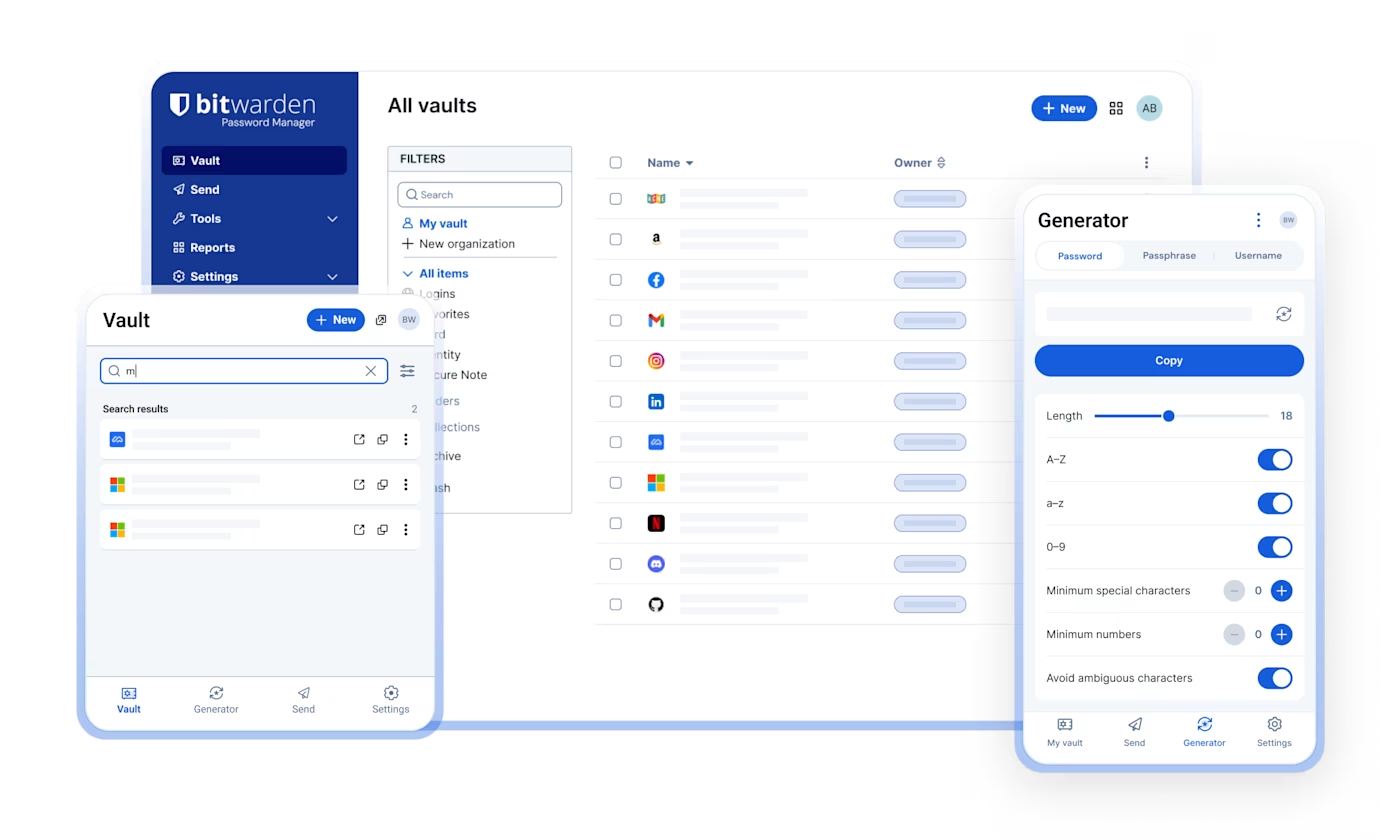
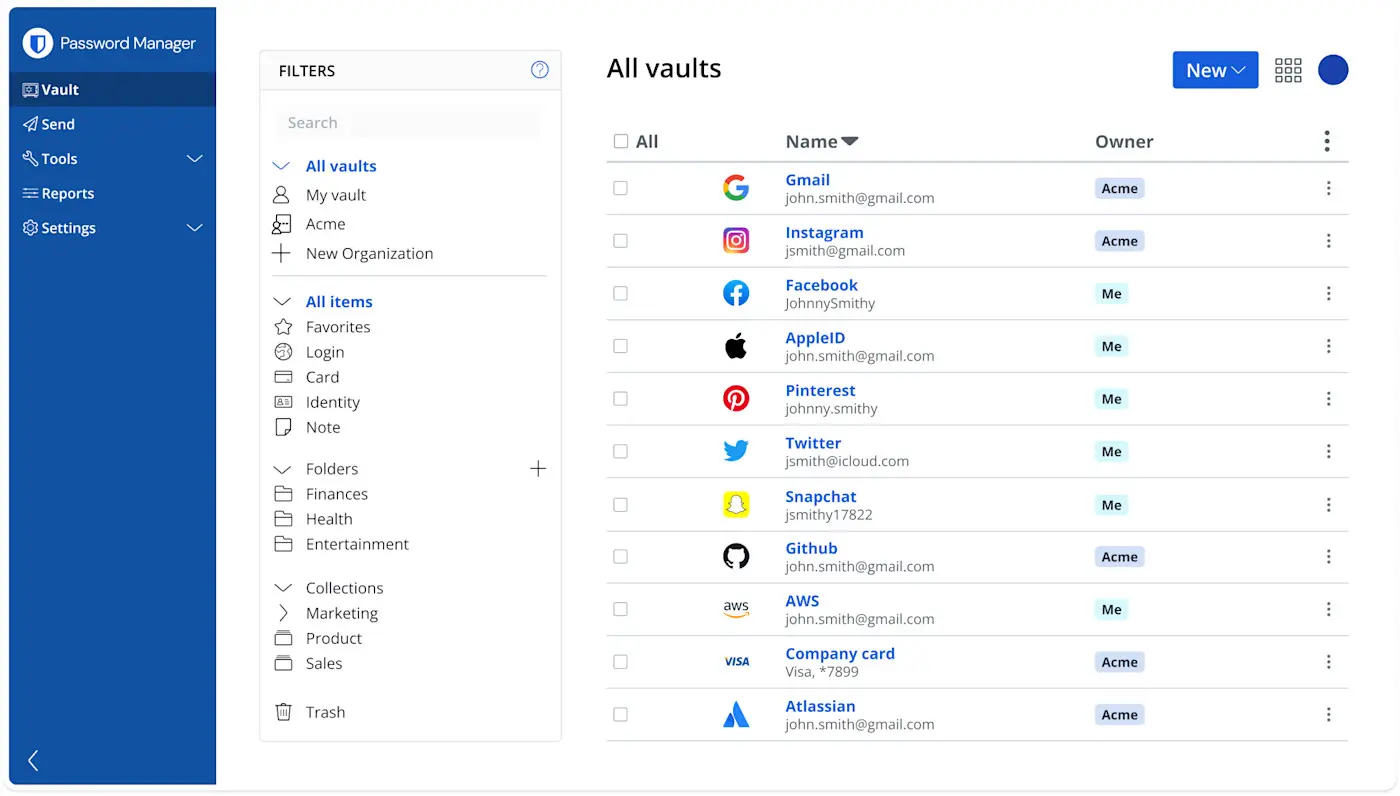
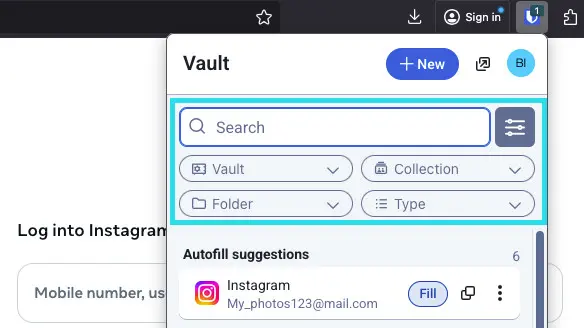
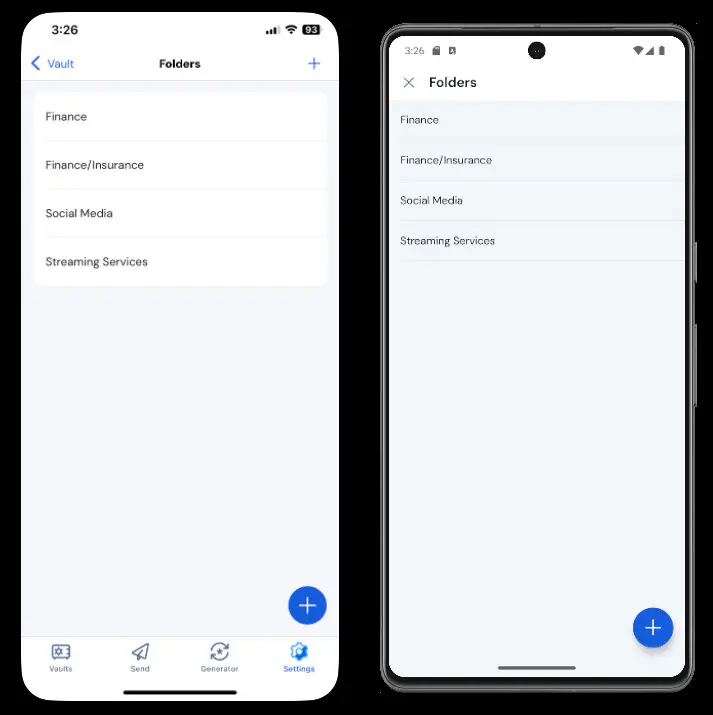
In an era where data breaches are daily news and credential stuffing attacks compromise millions of accounts, relying on memory or built-in browser autofill is no longer sufficient. If you are searching for the most reliable tool to secure your digital life, the Bitwarden password manager stands out as a uniquely transparent, highly secure, and exceptionally affordable solution. Unlike many closed-source alternatives that rely on “security by obscurity,” Bitwarden operates on a fully open-source framework, allowing global security experts to continuously audit its codebase.
Updated with cutting-edge 2026 features—including advanced passkey interoperability via the PRF WebAuthn extension, expanded 5GB encrypted storage for premium users, and sophisticated Access Intelligence for businesses—Bitwarden has evolved from a simple credential vault into a comprehensive identity security ecosystem. Whether you are an individual trying to organize hundreds of logins, a family sharing streaming credentials, or an enterprise IT administrator enforcing strict access controls, this guide will dissect everything you need to know about this powerhouse tool. We will explore its pricing, deep-dive into its robust feature set, compare it against heavyweights like 1Password and LastPass, and ultimately help you decide if it is the right fit for your security needs.
What is Bitwarden?
At its core, the Bitwarden password manager is an open-source, zero-knowledge credential management platform designed to generate, store, and autofill complex passwords across all your devices. Founded in 2015, the platform has grown into one of the most trusted security tools on the internet, largely due to its unwavering commitment to transparency and user privacy. Because the source code is publicly available on platforms like GitHub, independent security researchers continuously scrutinize it for vulnerabilities, ensuring that bugs are patched rapidly and no hidden backdoors exist.+1
The underlying technology relies on a strict zero-knowledge architecture. This means that all of your data—passwords, secure notes, credit card details, and identity profiles—is encrypted locally on your device before it ever reaches Bitwarden’s servers. Utilizing military-grade AES-256 bit encryption, salted hashing, and PBKDF2 SHA-256 (or Argon2id) to secure your master password, Bitwarden ensures that not even its own developers or database administrators can access your plaintext data. If their servers were ever compromised, hackers would only steal useless, scrambled ciphertext.+1
Furthermore, Bitwarden is universally accessible. It offers native desktop applications for Windows, macOS, and Linux, alongside highly responsive mobile apps for iOS and Android. Its browser extensions cover Chrome, Firefox, Safari, Edge, Brave, Vivaldi, and even Tor. For advanced users and enterprise environments, it also provides a Command Line Interface (CLI) and the ability to self-host the entire infrastructure on your own private server, granting you absolute data sovereignty.+3
Key Features of Bitwarden
When evaluating the Bitwarden password manager, its feature set punches significantly above its weight class, especially considering its pricing. The platform has aggressively expanded its capabilities in 2026 to address modern identity threats.
Advanced Passkey Management Bitwarden has fully embraced the passwordless future. Utilizing the PRF WebAuthn extension, Bitwarden allows users to log into their web vaults and browser extensions using a passkey instead of a master password. This single-step authentication method decrypts the vault locally while remaining highly resistant to phishing. Furthermore, you can store, manage, and autofill third-party passkeys (like those for Google or Amazon) directly from your Bitwarden vault, syncing them seamlessly across all your operating systems.+2
Integrated TOTP Authenticator For premium users, Bitwarden includes a built-in Time-based One-Time Password (TOTP) generator. When you log into a website that requires two-factor authentication (2FA), Bitwarden not only autofills your username and password but also automatically copies the 2FA code to your clipboard. This eliminates the need to juggle separate apps like Google Authenticator or Authy, drastically streamlining your login workflow.+2
Bitwarden Send Sharing sensitive information over email or messaging apps like Slack is a massive security risk. Bitwarden Send solves this by allowing you to transmit text, passwords, or files via secure, end-to-end encrypted links. You can configure these links to expire after a certain date, require a password to open, or self-destruct after a specified number of views. It is the perfect tool for securely passing a Wi-Fi password to a guest or a database credential to a client.
Vault Health Reports & Access Intelligence Bitwarden proactively monitors your security hygiene. The Vault Health Reports scan your entire database to identify passwords that are weak, reused across multiple sites, or have been exposed in known data breaches (cross-referencing the Have I Been Pwned database). In 2026, Bitwarden introduced Access Intelligence for business users, which provides application-level visibility into credential risks and offers guided remediation to help employees update vulnerable passwords efficiently.+2
Encrypted File Storage Premium accounts now feature up to 5GB of secure, encrypted cloud storage (a massive upgrade from previous years). This is ideal for storing sensitive digital assets such as scanned passports, tax documents, insurance policies, or cryptographic backup keys. These files enjoy the exact same zero-knowledge encryption as your text-based passwords.
Who Should Use This Tool?
The flexibility of Bitwarden makes it highly adaptable across various demographics. Because it scales effortlessly from a single user to a massive corporation, almost anyone operating online can benefit from its architecture.
Everyday Internet Users and Beginners If you are currently relying on your web browser to remember your passwords, or worse, using the same password for your banking and social media accounts, Bitwarden is the perfect entry point. The free tier provides all the essential tools needed to secure personal accounts without overwhelming the user with complex technical jargon.
Privacy Advocates and Open-Source Enthusiasts For individuals who distrust proprietary software and massive tech conglomerates, the Bitwarden password manager is an ideal choice. The ability to verify the source code, review third-party security audits (like those from Cure53 and Insight Risk Consulting), and optionally self-host the vault via Docker on a Raspberry Pi or personal NAS satisfies the most stringent privacy requirements.
Freelancers and Agency Owners If you manage credentials for multiple clients, client portals, and marketing platforms, Bitwarden’s secure organization and sharing features are invaluable. You can create separate collections for different clients, ensuring that credentials are kept segmented and organized, while utilizing Bitwarden Send to transmit temporary access codes safely.
Enterprise IT Departments With the introduction of Access Intelligence, SCIM support for automated user provisioning, and integrations with major Identity Providers (IdPs) for passwordless SSO, Bitwarden is a powerhouse for IT admins. It allows organizations to enforce strict multi-factor authentication policies, monitor event logs for suspicious activity, and safely offboard employees without losing access to critical company credentials.
Real-World Use Cases
To truly understand the value of this tool, it helps to look at how it functions in daily, real-world scenarios across different types of users.
Scenario 1: The Remote Digital Agency A remote marketing agency with 15 employees uses Bitwarden Teams to manage access to client social media accounts, WordPress dashboards, and ad platforms. Instead of sharing passwords in Slack (where they remain searchable forever), the IT admin creates specific “Collections” for each client. When an employee is assigned to a client, they are granted access to that specific collection. When the employee leaves the company, the admin revokes their Bitwarden access with one click, instantly cutting off their ability to log into any client accounts.
Scenario 2: The Security-Conscious Family A family of five struggles with sharing passwords for Netflix, Amazon Prime, and the home Wi-Fi network. They upgrade to the Bitwarden Families plan. The parents set up a shared “Household” organization vault where all streaming and utility passwords live. Whenever a password is changed, it instantly updates for everyone in the family. Furthermore, the parents configure “Emergency Access,” ensuring that if a medical emergency occurs, a trusted relative can request access to their vaults to retrieve medical insurance portals and important documents after a predefined waiting period.
Scenario 3: The Independent Developer A freelance software developer uses Bitwarden to manage their entire workflow. They utilize the Bitwarden CLI to inject API keys and database credentials directly into their development environment without hardcoding secrets into their source code. They rely heavily on the built-in TOTP authenticator to quickly log into AWS and GitHub, and they use the 5GB encrypted file storage to safely back up their SSH keys and SSL certificates.
Free vs Paid Comparison
The free tier of the Bitwarden password manager is widely considered the most generous in the cybersecurity industry. Unlike competitors that heavily restrict their free versions to force upgrades, Bitwarden Free is a fully functional, highly capable tool for everyday use.
What you get for Free: The free tier offers unlimited password storage across an unlimited number of devices. You can install it on your phone, your work laptop, and your home desktop, and they will all sync seamlessly. It includes the secure password generator, passkey management, secure notes, and basic two-step login (via email or authenticator apps). You can even securely share items with one other Bitwarden user. For the vast majority of standard users, the free tier is more than enough to achieve a strong security posture.+2
Why Upgrade to Paid? Upgrading to Premium unlocks advanced conveniences and tighter security measures. The most notable addition is the integrated TOTP authenticator, which vastly speeds up the login process for 2FA-secured sites. You also gain access to hardware security key support (like YubiKey or FIDO2) for locking down your Bitwarden vault itself. Premium adds 5GB of encrypted file storage, emergency access delegation, and the comprehensive Vault Health Reports that actively monitor the dark web for your compromised data. At less than two dollars a month, the upgrade is heavily focused on convenience and proactive defense rather than basic functionality gating.+3
Pricing Plans (Updated 2026)
Bitwarden overhauled its pricing structure slightly in early 2026 to reflect massive feature additions, yet it remains the most affordable premium password manager on the market.
Personal Plans:
- Basic Free: $0. Includes unlimited passwords, unlimited devices, passkey management, and sharing with one other user.+1
- Premium: $1.65 per month (billed annually at $19.80). Adds advanced 2FA (YubiKey), integrated TOTP, 5GB encrypted storage, Vault Health Reports, and Emergency Access.+1
- Families: $3.99 per month (billed annually at $47.88). Covers up to 6 users. Every user gets their own Premium account, plus unlimited secure sharing collections within the family organization.+2
Business Plans:
- Teams Organization: $4.00 per user/month (billed annually). Designed for small to medium businesses. Includes everything in Premium, plus secure credential sharing, activity event logs, directory synchronization, and API access.
- Enterprise Organization: $6.00 per user/month (billed annually). Designed for large corporations. Adds advanced granular access controls, passwordless SSO integration, Access Intelligence risk remediation, easy account recovery mechanisms, and a free Families plan for every employee to encourage home security.+2
Pros and Cons
No software is perfect, and a transparent review requires an honest look at both the strengths and weaknesses of the platform.
Pros:
- Unbeatable Free Tier: Unlimited devices and passwords for zero cost is exceptionally rare in 2026.
- Open-Source Transparency: The code is publicly auditable, ensuring no hidden vulnerabilities or corporate backdoors.
- Zero-Knowledge Architecture: Your data is mathematically unreadable to anyone but you.
- Exceptional Value: At roughly $20 a year, the Premium tier is a fraction of the cost of its main competitors.
- Advanced Passkey Support: Excellent implementation of PRF WebAuthn for passwordless vault unlocking.
Cons:
- Utilitarian Interface: The UI/UX is highly functional but lacks the sleek, modern polish found in tools like 1Password.
- Autofill Quirks: Occasionally, the browser extension autofill can be slightly less aggressive or accurate on highly complex, non-standard login forms compared to competitors.
- Sharing Workflow: Setting up an “Organization” just to share a few passwords can feel slightly unintuitive for first-time users.
Step-by-Step: How to Use Bitwarden
Setting up the Bitwarden password manager takes only a few minutes, but doing it correctly ensures a lifetime of secure, frictionless browsing.
Step 1: Create Your Account and Master Password Visit the Bitwarden website and sign up. The most critical step is creating your Master Password. This is the only password you will ever need to remember, so make it a long, memorable passphrase (e.g., Blue-Coffee-Mug-Dancing-1999!). Do not use this password anywhere else.
Step 2: Install the Apps and Extensions Download the Bitwarden extension for your primary web browser (Chrome, Safari, etc.) and the mobile app for your smartphone. Log into all of them using your new Master Password.
Step 3: Import Existing Passwords If you are moving from another manager or your browser’s built-in storage, export your data as a CSV file. In the Bitwarden web vault, navigate to the “Import” section, select your previous tool from the dropdown menu, and upload the file. Bitwarden will instantly populate your vault.
Step 4: Enable Two-Factor Authentication (2FA) Immediately go to your account settings and enable two-step login. Even on the free tier, you should connect an authenticator app (like Aegis or Authy) so that even if someone guesses your master password, they cannot access your vault without your physical phone.
Step 5: Start Browsing and Saving As you log into websites, Bitwarden will prompt you to save the credentials. When creating new accounts, click the Bitwarden icon to generate a strong, random password (e.g., x8H$vL9!qP2z) and save it directly to your vault.
Is It Safe and Legit?
Absolutely. The security architecture of the Bitwarden password manager relies on industry-standard, battle-tested cryptographic protocols. Your data is encrypted locally using AES-CBC 256-bit encryption. The encryption key is derived from your master password using PBKDF2 SHA-256 (with the option to upgrade to Argon2id in settings for superior resistance against GPU brute-force attacks).+1
Bitwarden has never suffered a data breach that exposed user vault data. Their commitment to security is backed by regular, rigorous third-party penetration testing and security audits by reputable firms like Cure53, Insight Risk Consulting, and Curepoint. Furthermore, they are SOC 2 Type 2, GDPR, HIPAA, and Privacy Shield compliant. Because it is open-source, the global developer community acts as an additional layer of oversight, constantly reviewing the code for potential weaknesses. In the cybersecurity world, Bitwarden is considered a gold standard for safe, legitimate credential management.+1
Bitwarden vs Competitors (Short Comparison)
The password management market is highly competitive. Comparing the Bitwarden password manager against closed-source rivals reveals clear distinctions in philosophy and user experience.
Bitwarden vs 1Password 1Password is arguably the most polished manager on the market. It features a beautiful interface, seamless autofill, and unique features like Travel Mode (which removes vaults from your device when crossing borders) and a Secret Key architecture for enhanced brute-force protection. However, 1Password does not offer a free tier, and its base plan is nearly double the cost of Bitwarden Premium. Furthermore, 1Password is proprietary, closed-source software. Bitwarden wins on price, transparency, and the ability to self-host, while 1Password wins on UI/UX and pure user convenience.+2
Bitwarden vs LastPass LastPass was once the industry king but has suffered massive reputational damage following a severe 2022 data breach where encrypted customer vaults were stolen. Additionally, LastPass severely restricted its free tier, forcing users to choose between syncing on either mobile or desktop, but not both. Bitwarden is universally recommended over LastPass today due to Bitwarden’s superior free tier, unblemished security record, and open-source foundation.+1
Best Alternatives to Bitwarden
While the Bitwarden password manager is top-tier, different users have different specialized needs.
- Proton Pass: Created by the privacy-focused team behind ProtonMail, Proton Pass is open-source and features an incredible built-in email aliasing tool (hide-my-email) right in the extension, making it excellent for avoiding spam.
- KeePassXC: A completely offline, locally-stored password manager. It has no cloud syncing by default (you must sync the encrypted database file yourself via Dropbox or Syncthing). It is the ultimate choice for extreme, air-gapped security, though it lacks user convenience.+1
- NordPass: Developed by the creators of NordVPN, this tool uses the newer XChaCha20 encryption algorithm and offers a very sleek, modern interface. It is a solid middle ground between the open-source nature of Bitwarden and the polish of 1Password.
Final Verdict (Honest Review)
Ultimately, the Bitwarden password manager delivers unmatched value in the cybersecurity space. It proves that military-grade encryption and enterprise-level features do not require a massive monthly subscription or closed, proprietary code. Its commitment to the open-source community ensures that it remains trustworthy, heavily audited, and free of corporate bloat.
While users who demand the absolute sleekest user interface might lean towards 1Password, they will pay a significant premium for that visual polish. Bitwarden may have a slightly more utilitarian design, but functionally, it stands toe-to-toe with—and in many ways exceeds—the most expensive tools on the market. With its seamless 2026 passkey integration, generous free tier, and cheap $19.80/year premium upgrade that adds massive quality-of-life improvements like integrated TOTP and 5GB storage, Bitwarden is the definitive choice. Whether you are migrating from a compromised platform like LastPass or finally graduating from browser-based autofill, Bitwarden is a secure, ethical, and powerful home for your digital identity.